Bakso Simulator 2 Money Guide: How to Earn Coins Fast
Learn how to make money fast in Bakso Simulator 2 with pricing, serving speed, upgrade priorities and daily routines that grow your bakso restaurant income steadily.

Master Bakso Simulator 2 controls on Android and PC: movement, interaction, camera and the small control habits that make serving quicker and mistakes rarer.
Table of Contents
Good control is invisible until it costs you a customer. In Bakso Simulator 2, the players who look effortlessly fast are not reacting quicker; they have simply arranged their movement, interaction and camera habits so the game never fights them.
This controls guide covers how playing the game feels on Android touch screens and on Windows PC, and the small habits that remove friction from serving, cooking and travelling. If your setup is not finished yet, the Bakso Simulator 2 app pages on this site cover installation for both platforms first.
You do not need to relearn the game. Pick the two or three habits here that match the mistakes you actually make, practice them for a day, and your hands will quietly get faster while your head stays free for prices, stock and customers.
Most wasted time in the game is walking: crossing the stall twice for one job, or taking the long way around furniture you placed yourself. Plan routes the way real kitchens do. Group trips so one walk carries two purposes, keep your daily path between pots, counter and stock as short as the game allows, and approach customers from the side that lets you leave toward your next task, not back through the queue.
A useful habit is to check the numbers the game already shows you. Your daily earnings, your stock levels and your customer feedback in Bakso Simulator 2 are a free report on how controls and camera is going. Read them before you change anything, change one thing at a time, and read them again on the next in-game day.
Serving errors usually come from rushing the interaction rather than from slow reactions: the wrong dish grabbed, the wrong table served, a pot checked twice. Build a tiny pause into each interaction, half a breath to confirm the target before you tap or click. That pause feels slower and is faster, because a corrected mistake costs five times what the pause does. Our Bakso Simulator 2 customers guide shows what those mistakes cost in satisfaction when they reach a guest.
New players often look for a single secret, but Bakso Simulator 2 is built around stacking small advantages. controls and camera done reasonably well, combined with fair prices, fresh ingredients and steady upgrades, outperforms any one clever trick that ignores the rest of the restaurant.
In practice:
On Android, keep the camera at the distance where your whole work area fits the screen during service, and zoom with intent when travelling rather than constantly. On PC, the mouse gives you finer camera control, so use it to watch the queue and the kitchen in one frame. A stable camera is a control setting too: constant swinging hides the customer who just arrived and the pot that just finished.
If something stops working, do not rebuild everything at once. Return to the last setup in Bakso Simulator 2 that earned well, repeat it for a day, and only then adjust a single variable. That calm, test-based approach is how experienced players handle controls and camera without wasting their savings.
Touch play rewards clean inputs. Play with dry hands, keep the interaction area of the screen unobstructed, and hold the phone so both thumbs rest naturally without covering the edges where prompts appear. If your device allows it, a slightly larger on-screen control feel, through system display settings, reduces mis-taps for larger hands. Short sessions with full attention beat long sessions with tired, sloppy inputs.
Finally, remember that Bakso Simulator 2 is a long game. Your stall grows over many in-game days, and controls and camera is one of the skills that quietly compounds in the background. Players who treat it as a steady practice, rather than a one-time fix, end up with the restaurants everyone else asks about.
PC players should set the game up like any workspace: mouse sensitivity that lets you cross the screen without lifting your hand twice, a chair position that keeps wrists flat, and the game's keys learned deliberately in a quiet session rather than discovered mid-rush. The Bakso Simulator 2 for Windows guide covers the installation side; this comfort setup is what makes the PC version's precision actually usable for long sessions.
Like every system in Bakso Simulator 2, controls and camera rewards players who watch cause and effect instead of guessing. A change that looks small, such as adjusting one habit for a single in-game day, shows up quickly in your earnings, your customer flow and your reputation, so treat each day as a small experiment and keep what works.
Spend one quiet in-game day practicing only control: walk your routes deliberately, pause before interactions, keep the camera still during service. It will feel slow and slightly boring, which is exactly what practice is. The next day, stop thinking about your hands entirely. Most players find their serving speed has risen without effort, because the friction, not their reaction time, was the limit all along.
It also helps to think about controls and camera as part of the whole restaurant loop rather than a separate trick. Cooking, serving, pricing and restocking all feed into each other in Bakso Simulator 2, and the players who progress fastest are usually the ones who keep those parts in balance instead of pushing one of them to an extreme.
The actions are the same, but the feel differs: touch play rewards clean, deliberate taps, while PC play rewards mouse precision and learned keys. Good habits matter on both.
Shorten your walking routes, group trips so each walk has two purposes, and pause briefly to confirm each interaction target. Removing friction beats reacting faster.
Usually rushed inputs and a moving camera. Keep the camera steady during service, confirm targets before tapping, and make sure nothing covers the screen edges where prompts appear.
Controls in Bakso Simulator 2 are a habit, not a talent. Shorten the walking, confirm the taps, steady the camera, and your hands will stop being the limit on your restaurant.
Finally, remember that Bakso Simulator 2 is a long game. Your stall grows over many in-game days, and controls and camera is one of the skills that quietly compounds in the background. Players who treat it as a steady practice, rather than a one-time fix, end up with the restaurants everyone else asks about.
It also helps to think about controls and camera as part of the whole restaurant loop rather than a separate trick. Cooking, serving, pricing and restocking all feed into each other in Bakso Simulator 2, and the players who progress fastest are usually the ones who keep those parts in balance instead of pushing one of them to an extreme.
Download Bakso Simulator 2Learn how to make money fast in Bakso Simulator 2 with pricing, serving speed, upgrade priorities and daily routines that grow your bakso restaurant income steadily.
A Bakso Simulator 2 pricing guide covering how menu prices affect customers, when to raise or lower prices, and how to find the price that earns the most each day.
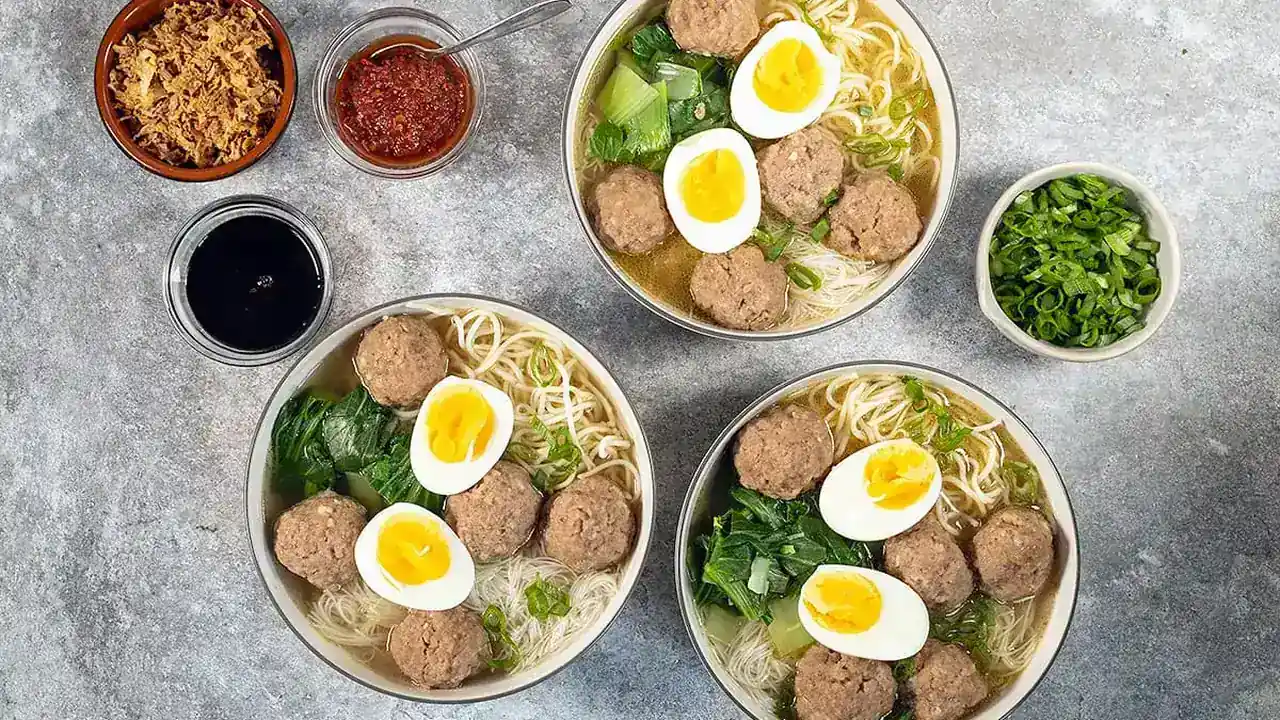
Explore Bakso Simulator 2 recipes and ingredients: how dishes are built, why ingredient quality matters, and how to plan a menu your customers keep coming back for.