Android
Learn how to download, install, update, and optimize the game on Android smartphones and tablets.

Bakso Simulator 2 is a restaurant simulation game from Akhir Pekan Studio that hands you a small bakso stall and asks you to grow it into a thriving business. You cook, serve, price, restock and explore a larger world than the original game offered, and every system connects: a better kitchen fills more bowls, happier customers build your reputation, and a stronger reputation brings tomorrow's crowd.
This site exists to answer the questions players actually ask about the game, in one organised place. You will find safe download guidance, installation steps for Android and Windows PC, honest notes on other platforms, gameplay explanations, pricing and money strategies, troubleshooting help and update instructions, all written for the current version of the game.
Whether you are installing Bakso Simulator 2 for the first time today or returning to a restaurant you have been building for weeks, start here: the essential download, setup, compatibility and gameplay information is organised below, with detailed guides one tap away whenever you need to go deeper.
Table of Contents
App Information
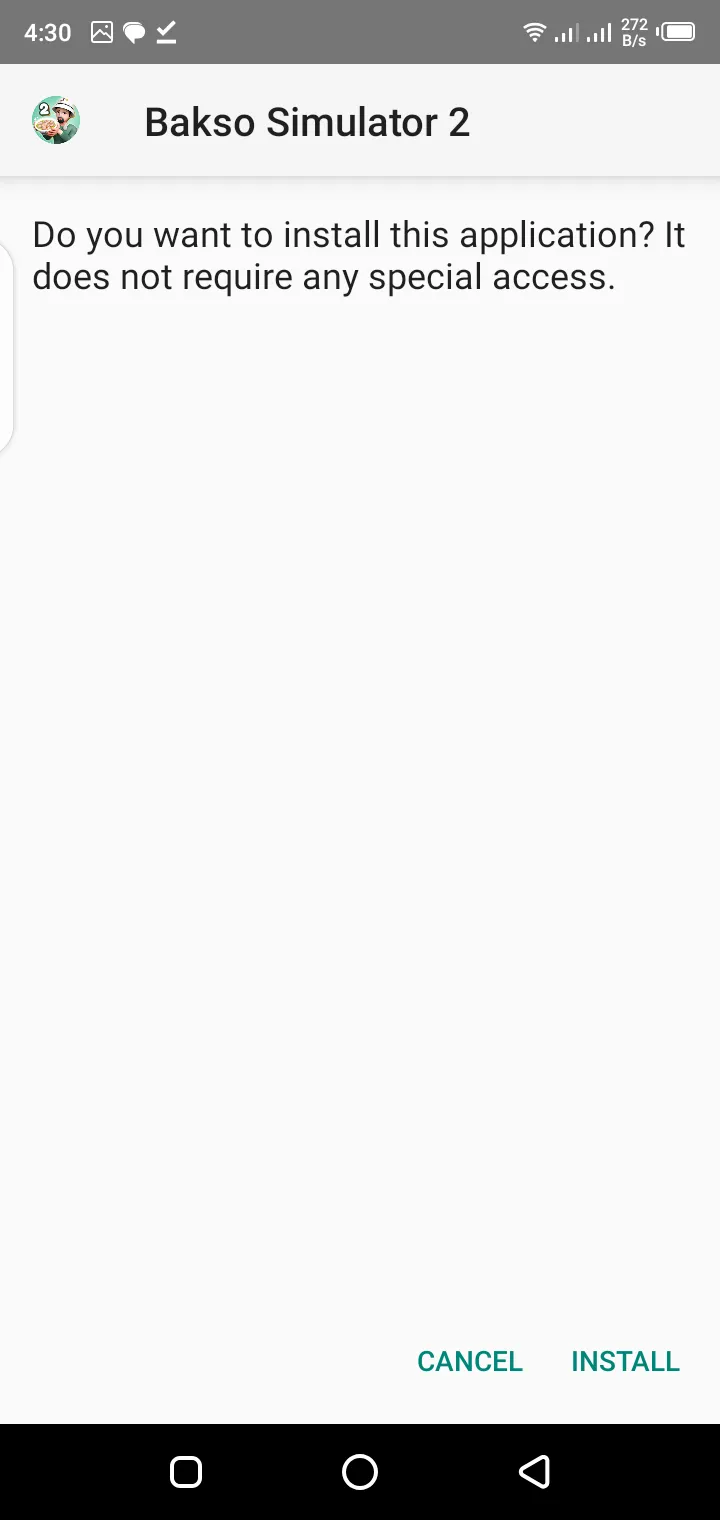
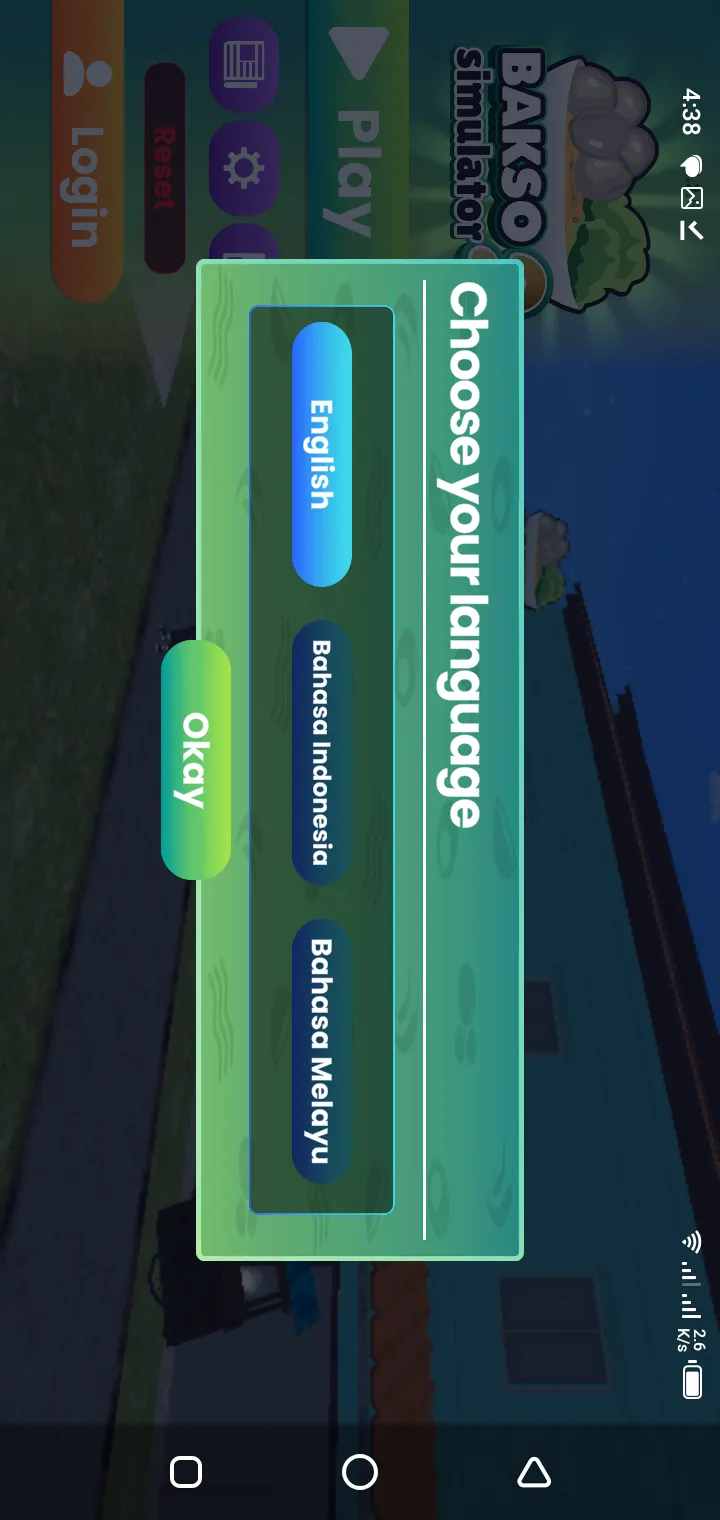
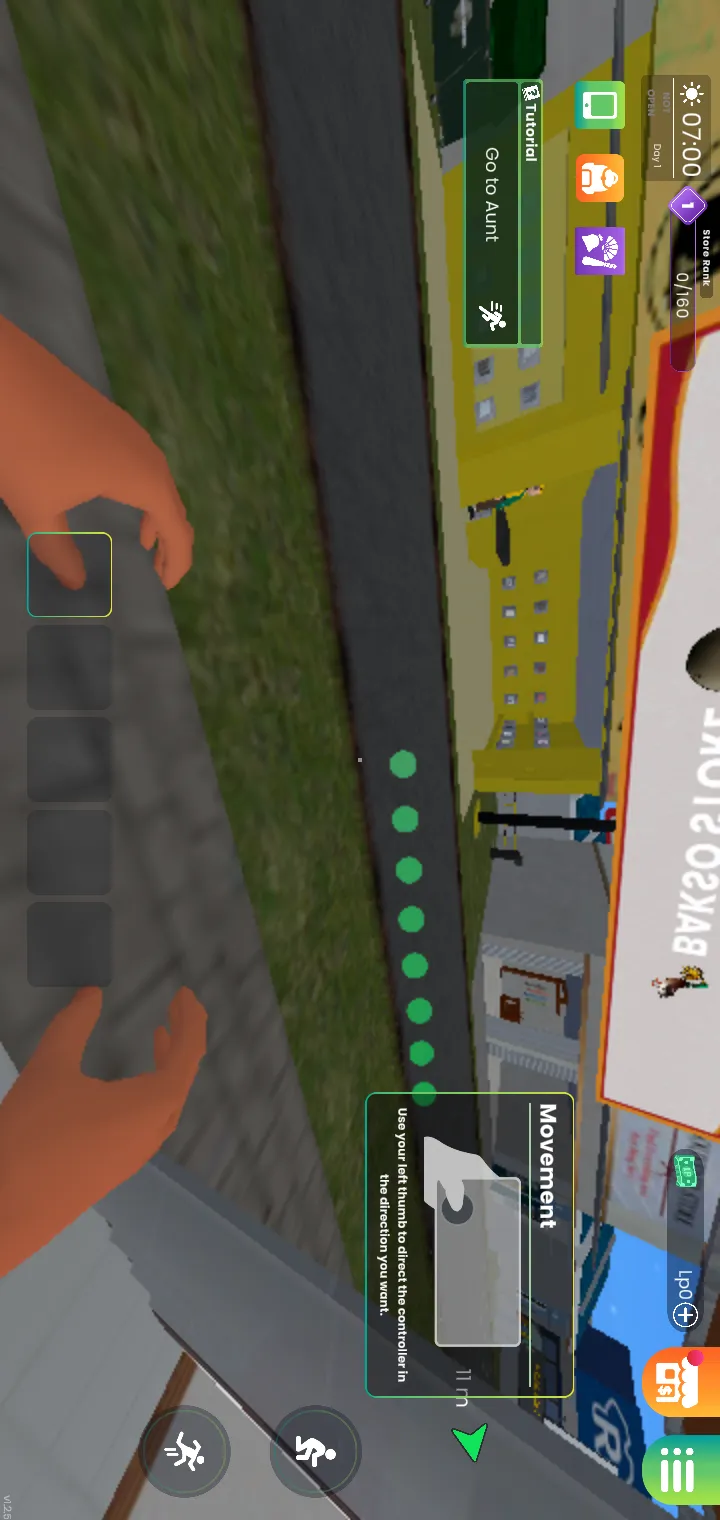
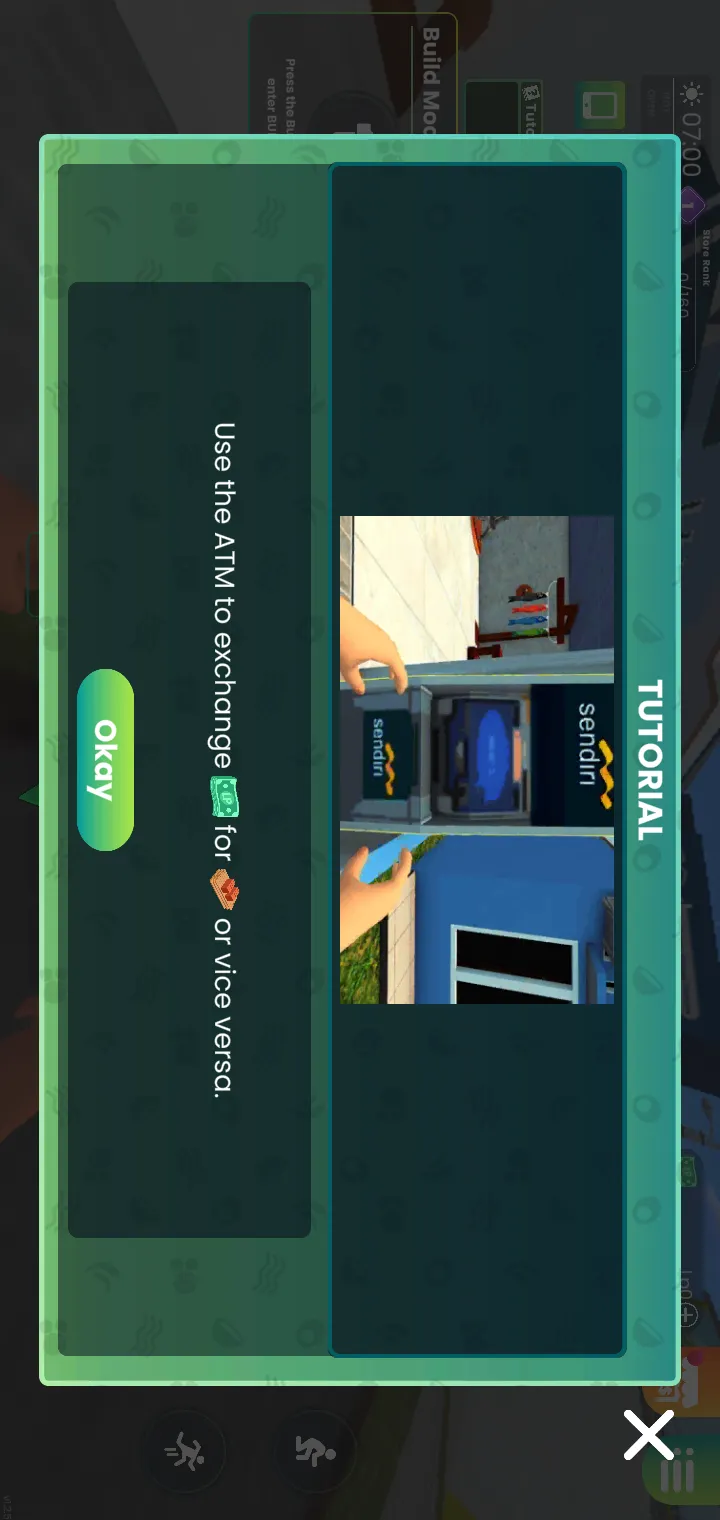
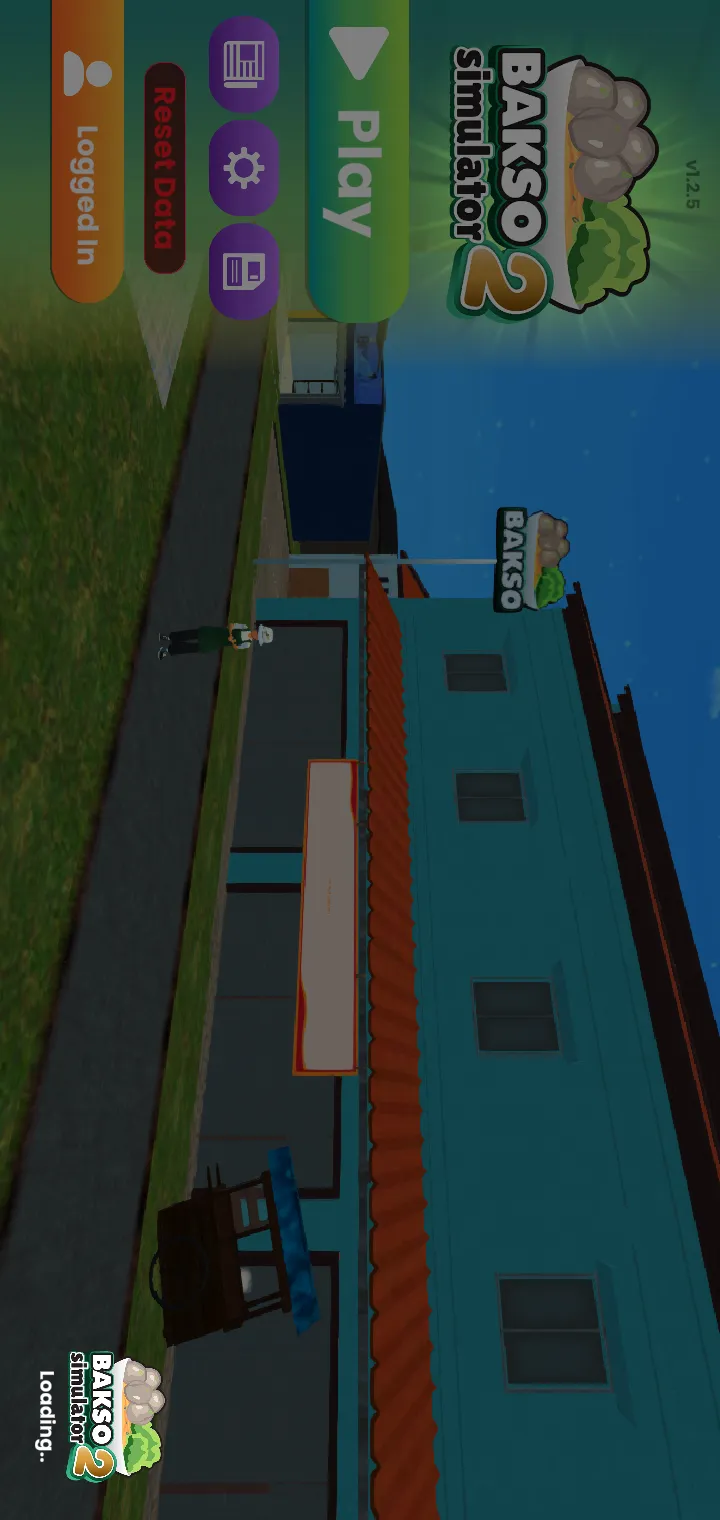
Bakso Simulator 2 is a restaurant management and cooking simulation game developed by Akhir Pekan Studio. As the sequel to the original Bakso Simulator, it widens the world, deepens the restaurant management, adds customization and daily activities, and turns serving bakso from a single counter into a small business you run end to end.
Players begin with a small bakso stall and gradually transform it into a successful restaurant by serving customers efficiently, managing resources, upgrading equipment, hiring workers, improving recipes, and expanding their business.
These elements make Bakso Simulator 2 more than just another cooking game. It provides continuous progression while allowing players to experiment with different management strategies.
The game combines several gameplay styles into one experience:
The first decision every player makes is where the game file comes from, and it is the decision with the longest shadow. Modified, outdated or repacked files from unknown websites are the main source of broken installs, lost progress and unsafe devices, so safe downloading deserves more than a button: it deserves a method you can repeat for every update.
For the safest experience, always prefer official platforms whenever they're available.
Use the download page on this site to get the latest supported version and verify compatibility before installing.
Downloading from unofficial sources may lead to:
The APK version exists because the game does not reach every country, store or device at the same moment, and players reasonably look for the direct route. The APK is a legitimate way to install Bakso Simulator 2 on Android when it is the genuine file, which is why this section focuses on telling the genuine article from everything imitating it.
While APK installation can sometimes be useful, it should always be approached carefully.
Verify file authenticity, confirm version compatibility, and follow safe installation steps before opening any APK package.
Before installing any APK, consider:
Installation feels different on every platform because every operating system guards its doors differently. Android asks about install permissions, Windows works through folders and launchers, and TV and Apple platforms raise their own honest questions, all covered in the platform guides on this site.
Installing Bakso Simulator 2 on Android isn't the same as installing it on Windows or Firestick.
The sections below cover the main installation topics for each platform so you can follow the correct method for your device.
Key installation topics include:
Before downloading Bakso Simulator 2, match the game to your device honestly. The requirements are modest, Android 6.0 and up on mobile and Windows 7 and up on PC, but installing onto unsupported or completely full hardware is how players meet crashes, long loading times, poor frame rates and installation errors that were never the game's fault.
The required specifications depend on the platform you're using. Mobile devices, desktop computers, and TV-based operating systems all have different hardware and software requirements.
Some of the most common factors that affect compatibility include:
Learn how to download, install, update, and optimize the game on Android smartphones and tablets.
Windows players should review installation steps, launcher options, graphics settings, performance optimization, and compatibility requirements before downloading.
Mac users often have questions about compatibility.
You'll learn whether the game supports Mac directly, available installation methods, and potential limitations.
Check App Store availability, regional restrictions, supported iOS versions, and installation instructions for your Apple device.
Playing Android games on Firestick usually requires additional setup.
Plan for compatibility checks, controller setup, storage requirements, and platform-specific installation steps.
Large-screen gameplay requires different setup steps.
You'll also learn about controller compatibility and performance considerations.
Before installing, confirm these compatibility details:
The device question players actually mean is narrower: will it run well on my phone, my laptop, my television? This section answers platform by platform, separating the devices the publisher supports from the ones that work through honest workarounds and the ones where waiting is the correct answer.
The answer depends on both the operating system and the hardware available.
Generally, players search for compatibility with:
Each platform has its own installation process, update method, and performance limitations.
For example, Android devices may allow direct installation through official distribution channels, while Windows players may access the game through desktop game platforms. TV devices often require additional compatibility checks before installation.
Bakso Simulator 2 combines restaurant management with open simulation gameplay. You build a food business day by day, cooking and serving customers, while quests, exploration and progression systems give every day a shape beyond the counter, which is why the game holds players far longer than a simple cooking game would.
Instead of focusing only on cooking, players manage nearly every aspect of their restaurant.
Typical gameplay includes:
As the restaurant grows, players gain access to additional mechanics that create a deeper management experience than simply preparing meals.
The game rewards efficient planning, customer satisfaction, and business expansion rather than quick progression.
A sequel earns its name by deepening what players loved, and Bakso Simulator 2 builds its larger experience on systems that talk to each other: a bigger world to explore, a restaurant that visibly grows, and daily goals that keep handing you the next reason to play one more in-game day.
Some of the major gameplay features include:
Players begin with a small business and gradually expand their restaurant by improving facilities, increasing efficiency, and attracting more customers.
Preparing food remains one of the core gameplay systems. Success depends on maintaining quality while serving customers efficiently.
Income earned through gameplay can be invested back into the restaurant, helping players unlock new equipment, decorations, and operational improvements.
Players interact with customers and various in-game characters while completing different activities that support overall progression.
The game allows players to personalize different aspects of their restaurant, creating a unique appearance while improving functionality.
Instead of ending after a few missions, Bakso Simulator 2 encourages long-term progression through upgrades, expansion, and additional gameplay objectives.
Simulation games endure when they balance strategy, progression and freedom, and Bakso Simulator 2 strikes that balance in a specifically comfortable way: there is always a plan to execute, a number growing because of it, and a neighbourhood to wander when the plan can wait until tomorrow.
Bakso Simulator 2 combines these elements by allowing players to make meaningful business decisions while continuously improving their restaurant.
Many players appreciate the game because it offers:
Rather than relying entirely on repetitive tasks, the game introduces different systems that keep gameplay interesting over time.
Keeping the game updated is how new content, performance improvements, bug fixes and balance changes reach your restaurant. Updates are also the moment players fear for their progress, which is why this site treats updating as a calm routine of prepare, update in place and verify, never as a gamble.
Running an outdated version may result in:
Depending on your platform, updates may be installed automatically or require manual confirmation.
When the game feels slow or unstable, the cause usually lives on the device rather than in the game: storage with no breathing room, background apps competing for memory, heat from long sessions. Optimizing those, in the order this section sets out, restores smooth play far more often than reinstalling ever does.
Common optimization techniques include:
Performance issues are often related to hardware limitations rather than problems with the game itself.
If performance problems continue after optimization, the troubleshooting section later on this page will help identify the most common causes.
Although it is designed to run smoothly on supported devices, some players meet installation, compatibility or performance problems that depend on their hardware, operating system or game version. Nearly all of them have readable causes, and this section works through them in the order a player should check them.
Fortunately, most problems can be resolved without reinstalling the entire game.
Below are the most common issues players experience and the recommended solutions.
Installation failures usually happen because of one or more of the following reasons:
Before attempting another installation:
Sometimes the installation finishes successfully, but the game closes immediately after launching.
Possible causes include:
In many cases, updating both the operating system and the game version resolves the issue.
Unexpected crashes usually indicate one of these problems:
Before reinstalling the game, try:
A black screen normally appears when the game cannot initialize graphics correctly or fails while loading essential resources.
This can happen because of:
If gameplay feels slow, laggy, or unstable, the problem is often related to device performance rather than the game itself.
Performance can usually be improved by:
Safety is the right question to ask before any game file touches your device, and it has a practical answer rather than a nervous one. The game itself, from a genuine source, is a normal commercial release; the risks gather around modified files, fake download pages and installers that were never the game at all.
Many websites claim to offer the latest version, but some distribute outdated files, modified packages, or software that doesn't match the original game.
Whenever possible, use official distribution platforms.
Official releases generally provide:
This website organises the stall sim information into clear sections and full guides covering download, installation, gameplay, money, pricing, staff, reputation, platforms and troubleshooting. Everything is written against the game's current version and checked as the game changes, so the answer you read today is the answer that still works tomorrow.
For example:
This structure helps you find answers faster without searching multiple websites.
This cooking game is free to download and play in the form covered by this site. Always check the official store listing for your platform for the current pricing and availability in your region, since store presentation can vary.
Yes, for everyday play once the game is installed and set up. Downloading, installing and updating need an internet connection, so finish those steps on Wi-Fi first. Our full offline guide on this site explains exactly what works without a connection.
Yes. The game has a Windows PC version, listed on this site at 289.47 MB for version 1.2.4, and our Windows guide covers its installation step by step. Windows 7 and up is supported.
There is no official macOS version. Mac owners play through the honest routes covered in our Mac guide: an Android device, or the Windows version through Boot Camp, a reputable virtual machine or a household Windows computer.
Controller support varies by platform and setup. The game is designed around touch on Android and keyboard and mouse on PC; on TV setups a connected mouse or controller can help with navigation, as our Android TV guide explains.
Start by checking the basics in order: enough free storage, a supported Android or Windows version, and a complete, genuine installation. Then work through the performance and troubleshooting guides on this site, which cover the readable causes behind most problems.
It offers much more than a traditional cooking simulator. It combines restaurant management, business strategy, progression, customization and exploration into a single experience that keeps growing as your restaurant does, one well-run day at a time.
Whether you are downloading the game for the first time, following installation instructions, checking compatibility, improving performance or studying advanced systems like pricing, staff and reputation, this website provides complete, organised information for every stage of your journey.
As new updates, features and platform notes become available, this resource will keep expanding with fresh tutorials, troubleshooting guides and gameplay strategies, so new and experienced players alike can get the most from the stall sim.
Download Bakso Simulator 2